a MILLION lock files
Watch what happens when you give an agent tools today. This framework has its own plugin format. That one wants tool servers with their own protocol. The actual capabilities live in npm packages, pip packages, system binaries — each arriving with its own dependency tree, its own lock file, its own runtime to install, its own security story to audit. Set up a second agent stack and none of it transfers. You end up spending your time managing tools for your tools, and the result is a heterogeneous pile no two teams assemble the same way.
The instinct is to fix this with one more format — which is how we got this many formats. The actual fix is structural: stop separating the three things a tool needs to be useful. A tool needs code that runs, a place it can run safely, and an explanation of how to use it. Today those are three different artifacts maintained by three different ecosystems. A toolkit is what you get when they're one object.
the DEFINITION
1. a capability installed into the ecosystem: a real program compiled to WebAssembly, wrapped in a readable manual that teaches people and agents how to use it — sandboxed, signed, and shareable as one unit.
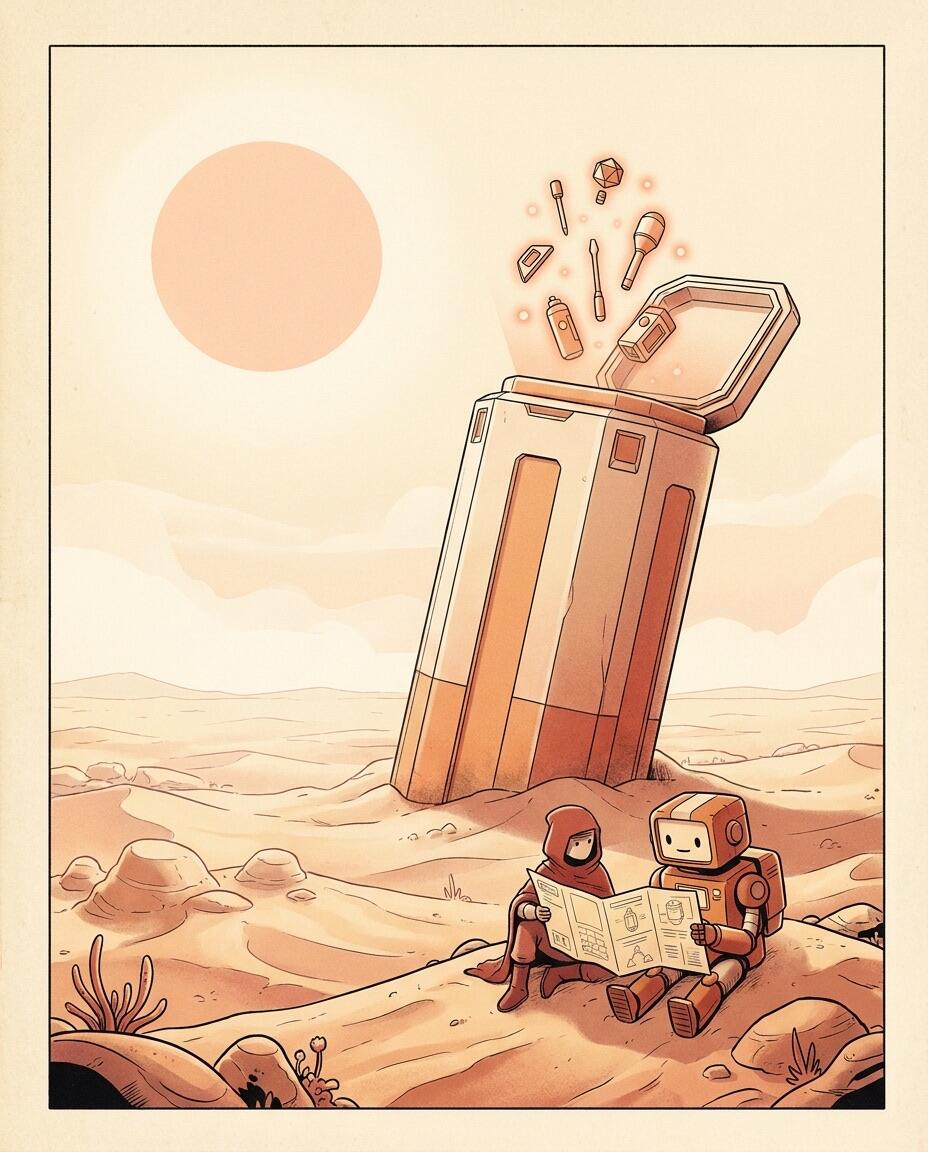
Like a tradesman's toolbox: the tools, the safety case they lock into, and the dog-eared manual in the lid — picked up and carried as one thing. Nobody hands you a drill bit, a warehouse address, and a PDF in three separate shipments.
three LAYERS
a readable skill-tree — docs for people, interface for agents
a real program, compiled to webassembly
runs in the nexus with granted capabilities only
The surface — a manual both species read
The top of a toolkit is plain text: a small tree of documents that describes what the tool does, when to reach for it, and how each command works — with worked examples. A person reads it like documentation. An agent reads it like a skill: enough structure to discover the tool, load only the part it needs, and use it correctly. Same words, both audiences. Write the manual once and you've onboarded every human and every agent that will ever meet the tool.
The muscle — a real program
Underneath is an actual CLI — not a description of one. Real code, written in whatever language suits the job, compiled to WebAssembly. Existing tools matter here: the point isn't rewriting the world's software, it's bringing it across. A battle-tested C library or Rust tool becomes a toolkit by compilation, not reinvention.
The floor — a sandbox it can't leave
Toolkits run inside the Nexus's sandbox, with the capabilities they're granted and nothing more. Which changes the trust math of installing things: today, installing a tool means trusting its author with your machine. Installing a toolkit means trusting it with exactly what you handed it — a sealed compartment and a short list of grants. The floor does the vetting that app-store review pretends to do.
the MANUAL is the interface
Here's the design decision that makes toolkits feel different. Agents turn out to work best not with a hundred bespoke integrations but with one general tool — a shell — and useful programs on the path. That's how people work at a terminal too, and it's why the CLI never died: composable little programs beat monolithic interfaces for getting real work done.
So a toolkit doesn't add a new protocol to your agent. It puts a command on the path and the manual next to it. And because the manual is structured text rather than free-form prose, it does double duty: it documents the tool and it's parseable enough to act as the tool's API — examples you can run, commands a program can extract and call. The documentation can't drift away from the tool, because the documentation is how the tool is reached.
If you've used skill files with a coding agent, this is that idea taken to its conclusion: the skill, the binary it teaches, and the sandbox it runs in, shipped as one signed object.
"isn't this just an mcp sErver?"
Or a plugin, or an npm package? Each of those solves one of the three layers and leaves you to source the other two:
| code that runs | safe place to run | teaches its use | carries to any host | |
|---|---|---|---|---|
| npm / pip package | yes | your machine, your risk | readme, maybe | per-runtime |
| MCP server | yes | bring your own | schema, not guidance | protocol-wide |
| platform plugin | yes | host's sandbox | varies | locked to one host |
| toolkit | yes | wasm sandbox, granted caps | the manual is the surface | any Nexus, any workbook |
None of those are bad ideas — toolkits happily wrap existing CLIs and libraries rather than compete with them. The claim isn't "better protocol." It's that code, sandbox, and manual were never supposed to be three separate supply chains.
why WEBASSEMBLY?
depth rung · skippable — the engineering bet under the whole layer
Because untrusted code is no longer the exception — it's the medium. Tools you didn't write, packages with install scripts, code an agent generated thirty seconds ago: all of it wants to run, and an install script is just untrusted code you execute with your own permissions. WebAssembly is the only runtime that was born for this — designed from day one to run a stranger's code fast, in a sealed box, on any hardware. Browsers have been stress-testing that box with the entire internet for years.
The deeper bet — the crux of the whole system — is migrating the languages of the internet into that box. The ecosystem carries compilers for C, Rust, Zig, Go, and JavaScript that have themselves been compiled to WebAssembly, so toolkits aren't just run in the sandbox — they're built in it. Source goes in, sandboxed compiler chews, signed toolkit comes out, and at no point did anything untrusted execute natively on the host. The browser-IDE world proved the concept by running npm installs safely inside a browser tab; the Nexus applies the same principle to the whole toolchain.
One bonus that falls out for free: WebAssembly runs in browsers. The same compiled tool a Nexus executes server-side can ride along inside a workbook and run client-side. One compilation target, every venue.
toolkits COMPOSE
Single tools are the start. Because every toolkit shares the same shape — manual, muscle, floor — they stack without negotiation:
- Tool systems — toolkits bundled toward a job: a research rig, a publishing pipeline, a media bench.
- Agents — an agent definition is a toolkit-shaped thing: the manual describes who the agent is, the tools are what it reaches for.
- Workflows — plans written in the same readable layer, where tasks, states, and dependencies are native — closer to a project board than a script, executed by agents with toolkits in hand.
And the street runs both ways. Build something useful inside a workbook — a parser, a chart kit, a scraper — and one command promotes it into a toolkit the next workbook can pick up. The ecosystem's parts bin is fed by the things people actually make, which is the only way a parts bin ever gets good. This is the texture of the larger thesis: people and AI building together, each artifact making the next one easier.
the honest FRONTIER
Honesty section, and this page owes you a bigger one than the others: toolkits are the youngest part of the ecosystem. The unit is stable. The engine is built on forty-year-old miracle-grade infrastructure. The parts bin is early — real, working, growing, and small.
The catalog grows one conversion at a time: a CLI gets compiled, a library gets wrapped, a manual gets written. Most software crosses cleanly; some puts up a fight — the heaviest corners of systems languages, runtimes that assume an operating system underneath. Each fight won is permanent, because a converted tool works for every workbook, every agent, every Nexus, forever after.
We're saying this plainly because it's also the invitation. If the workbook page convinced you and the Nexus page convinced you, this layer is where a contribution actually lands: convert one tool you love, write the manual you wish it had, and you've added a part to everyone's bin.
 the parts bin, browsed and fed
questions people actually ASK
What languages can a toolkit be written in?
Anything that compiles to WebAssembly — C, Rust, Zig, Go, and JavaScript have first-class lanes today, and the set grows. The manual layer is plain text regardless, so the language choice is invisible to whoever (or whatever) uses the tool.
Can I publish my own?
Yes — build it, sign it, share it. Anything you've made inside a workbook can be promoted to a toolkit with one command, and signing travels with it so consumers can verify where it came from.
Why would I trust a stranger's toolkit?
Two reasons, layered: the signature tells you who shipped it, and the sandbox bounds what it can do regardless of who shipped it. Even a hostile toolkit holds only the capabilities you granted — which is a stronger guarantee than any code review.
Does a toolkit work offline, inside the file?
Toolkits a workbook carries are WebAssembly, and browsers run WebAssembly — so tools can compute client-side, in the open file. Capabilities that genuinely need an engine (persistence, secrets, network on your behalf) light up when the workbook is docked.
I have a CLI I already love. Do I rewrite it?
Ideally, no — you compile it. The conversion path exists precisely so the world's existing tools can cross over instead of being reinvented. How rough the crossing is depends on the tool; see the honest frontier.
the deep DIVES
Go deeper into this area — the technical docs underneath it.
keep GOING
That's all three: the unit, the engine, the parts. The rest is what you build.

